Loading...
PAYMENT CONFIRMED
You're in. Welcome to TraderMatrix.
Your subscription is active and everything is unlocked. There's a lot in here — this page is the short route to the part that's actually for you.
Vespryx
Live GEX & options flow levels, on your own TradingView chart
Vespryx is a browser extension. It draws the gamma walls, the max-gamma pin and the flip line straight onto the chart you already trade from. Switch symbols and the levels redraw. It comes with the bundle.
The 10-minute walk through the whole platform
Start here
5 things, about ten minutes
Do them in order. Each one unlocks something the platform can't do for you until it's done.
0 of 5 done
1
Join the Discord and link your account
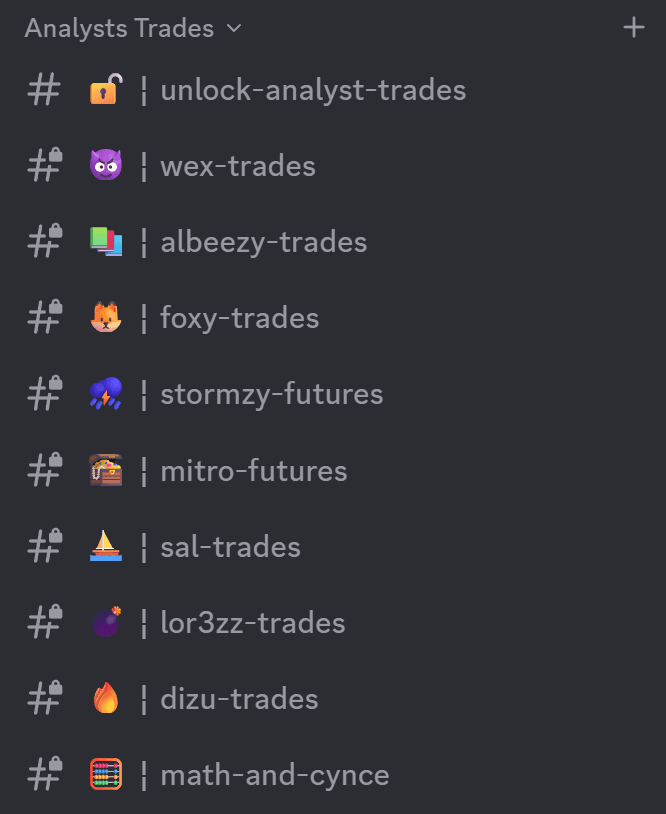
Do this one first. Real-time platform flow and breakout alerts post here the second they fire, and our Swing, Options & Futures analysts showcase all their trades live, every one graded and the win rate posted in the open.
1
Connect Discord — the button below. It joins the server for you and links your account in one go.
2
Verify with your phone number if Discord asks — it's their check, and member channels stay hidden until you do.
In the server already? Type / and pick connect from the list (typing the word on its own does nothing). Closed this page? Your Discord status is always at Settings → Connections, and this checklist stays at /success.
2
Vespryx
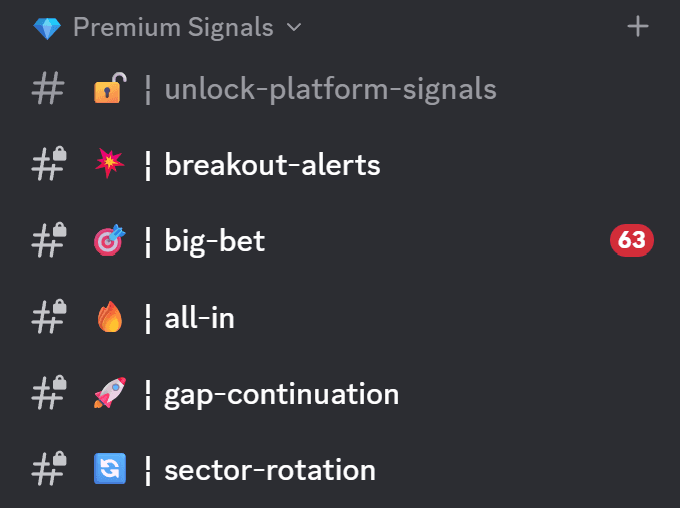
NOT ON YOUR PLANVespryx: draw GEX & flow levels live on your TradingView charts. Gamma walls, the max-gamma pin and the flip line, straight onto your own TradingView charts. It comes with the bundle, and your plan doesn't include it yet — add it from the pricing page whenever you want the levels on your own charts.
Vespryx is not the TradingView Indicator Suite. Vespryx puts the platform's Apex levels on your chart; the Indicator Suite (Overlay, Oscillator, Volume) is a separate technical system with its own guide — step 4 below. You can run both on the same chart.
3
Start in the Learn hub
START HEREEverything you need to actually use this platform lives in one place: the platform tour, the Apex Levels guide, a written guide for every tool, a live tape to practise reading real alerts on, and a glossary for every term we use. Go there first, take the five-question quiz to pick your lane, and work through it in order.
4
Add the TraderMatrix indicators to your charts
Three scripts for your own TradingView charts: the Overlay, the Oscillator and Volume. Open each link below and click Add to chart. Nothing to wait for and no username to enter.
How to add them
Open a link, click Add to chart, and repeat for the other two. They then show up under Indicators on any chart you open.
5
Do one real thing today
Open Unusual Activity — the feed you paid for. Every row is a large options trade placed with real money in the last few hours. Tap the biggest one, then ask Arya what it means. Two minutes, and you've read your first print.
Included · ask in plain English
Meet Arya — she's the friend you ask when you're stuck.
She reads the same data every tool on this page uses — flow, gamma, fundamentals, your watchlist, your journal. Can't figure something out? Ask her in plain English before you go dig through a manual.
See everything you can ask →“What's happening in the market today?”
“Look at my watchlist and tell me which name has the strongest flow.”
“What's the unusual options activity in NVDA today?”
“Remember that I trade a $10k account and prefer swings.”
Your first session
The five tools that are actually yours
Everyone else's tools are noise until you know which lane you're in. Take the quiz on Learn and this becomes a checklist.
Pick a lane on Learn and this fills in
You'll get four or five tools in the order you'd open them, a four-move playbook, and three things to do before you risk a dollar.
When you get stuck
Five ways to get unstuck, fastest first
MinutesAsk in Discord ↗A real person, usually within the hour. There's a channel for every trading style.Self-serveThe Learn hub →Read a real alert line by line, practise on a live tape, and a glossary for every term we use.Best place to startThe Apex Levels guide →Apex magnets, the gamma flip and the indicator's S/R zones -- what each one actually means, and how to trade around them.Account & billingSupport →Anything to do with access, invoices or cancelling.ReferenceEvery feature, explained →The long-form list of what each tool does and who it's for.